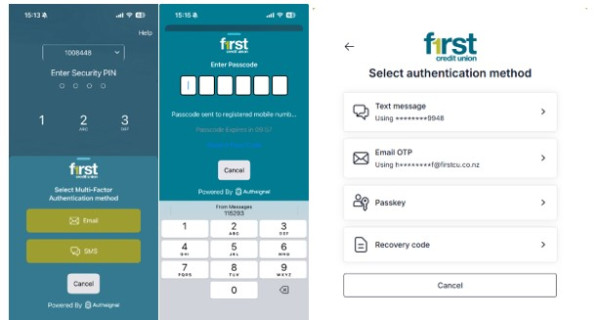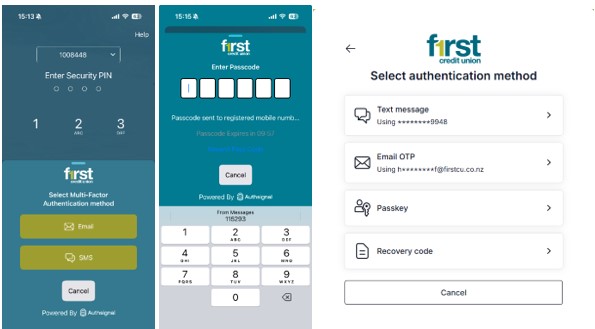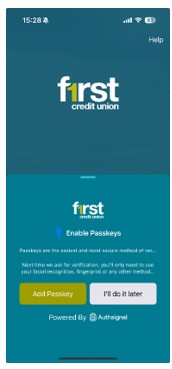
Multi Factor Authentication
Multi Factor Authentication (MFA)
We have enhanced our Multi-Factor Authentication (MFA) using advanced security controls.
Instead of asking you to verify your identity every time you log in, MFA will now be applied more intelligently.
What this means for you
- You may notice fewer security prompts when logging in
- You may be asked to complete a quick verification step when performing certain actions, such as:
- Making payments or transfers
- Adding or updating payees
- Managing your cards (e.g. PIN Changes, blocking/unblocking, digital wallet setup)
- Updating your password or security settings
- Setting up or changing automatic payments
Why we've made this change
This approach allows us to:
- Improve your experience by reducing unnecessary interruptions
- Enhance security by applying extra protection when it matters most
- Align with accepted security standards
What you need to do
To ensure a seamless experience:
- Make sure your contact details are up to date
- Keep your registered device secure
- Follow any prompts when completing sensitive actions
Need help?
If you have any questions, or need assistance, please contact us.